Similar Posts
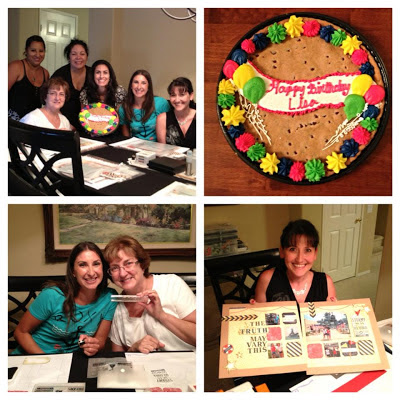
I love my CTMH Family!
When I signed up as a Close to my Heart Consultant almost 9 years ago, I never would have dreamed that it would have such an impact on my life and that I would make such good friends. Once a month a few of my local Consultant Downlines and I get together for a special…
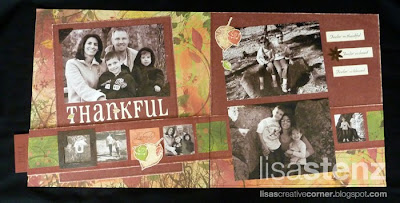
Autumn/Winter 2010 New Idea Book Blog Hop
Welcome to the Close to my Heart New Product Sneak Peek Blog Hop! 55 fabulous Close to my Heart Consultants are celebrating the upcoming release of the Autumn/Winter 2010 Idea Book by giving you a Sneak Peek of some of the great products available in the new Idea Book starting September 1st! If you have…
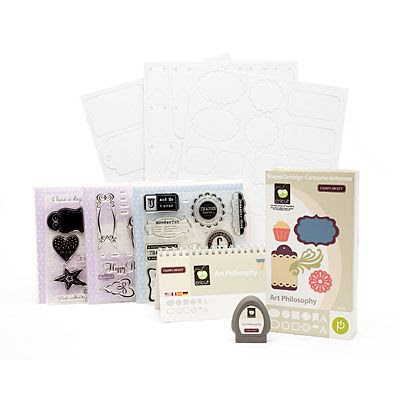
A Fun Little Giveaway…
Be sure to visit my CTMH Facebook page today for a fun little contest. I’ll give you a hint, it has something to do with creating a project with the Art Philosophy Cricut bundle…
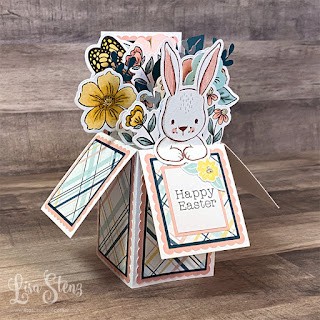
Easter Pop Up Box Card with Free Design Space File
Happy Easter everyone! Today I wanted to share this fun pop up box card that I created as part of last month’s Creative Design Team Easter series. I created a Design Space file to make the card and embellished it using Close to my Heart’s Daisy Meadows collection. One of the things I love most…
The New Releases Are Here | May-August 2026 Catalog, Online Exclusives & More
Today is the day and there is so much to be excited about. Stampin’ Up! has just released a beautiful collection of new products, and whether you love cardmaking, memory keeping, or simply playing with paper, there is something here for you. Let’s take a look at what’s new. 🌸 May–August 2026 Catalog Is Now…

I never heard of that. Was it a bad spam?(comment)
Hi Lisa,
You can change your comments so that they are moderated by you and have to be approved before they post. It is under settings and then comments. Click the enable comment moderation.
hth
Hi Kari. If you look at some of the comments on a few of my posts, there are a couple weird, random, spamlike comments.
Thanks Niki. I just went into that section and changed it so that now you have to type in that crazy code that will show up. I always hate those, but maybe it will help. If not, I will go back and enable the comment moderation too. *Ü*
Hi Lisa =} I just checked your Aloha post (cute btw) and clicked on fejar “Here” (is that spam?) and my Anti Virus poped up and said i was protected and started scanning for viruses.
You can delete those posts you don’t wannt.
I don’t have Word Verifacation on mine but i may add it.
Thanks for telling us.
Kari,
Yep. That is what I was talking about. There are five or six of them throughout my posts. Weird, huh?
Dumb question, but how do I delete a comment?
Lisa sign in like you were going to change things on your blog. and then on top it says (view blog) then when you click on your comments you’ll see a trash can by each poster. You can Trash the post you don’t want.
Let me know is this helps ok. =}
Thanks Kari. I never noticed that trash can before. Now to go back and find all of those crazy comments…
Happy to help. =}
Hey what i found helpful is when you are signed in to your blog. Go to upper right corner and there is a Help tab. I go there and when i need answers about somethings. There is a lot of feed back.
I’m tring to put music on my blog.
Know anything about that? “Help” LOL